Every week, your winners scale and your next tests are ready.
Set a target cost per purchase. Each week CTRL checks your ads and emails against it, scales the winners, flags what to cut and drafts what to test next. Nothing goes live until you say so.
- Faster winners
- Stronger ROAS
- Shorter payback
 Your 8am, sorted.3.1x ROASWinner
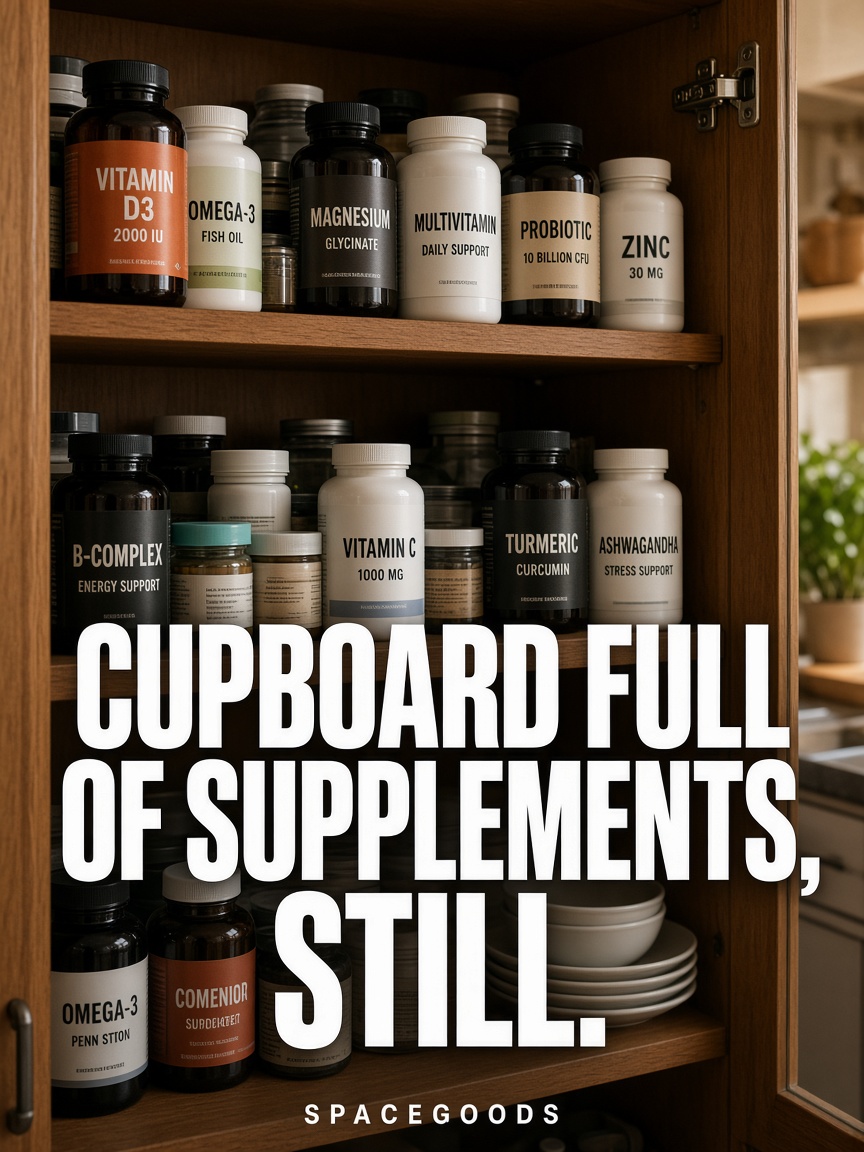 Cupboard full of supplements, still2.6x ROASWinner
 Build a bundle, save 20%Day 3Test
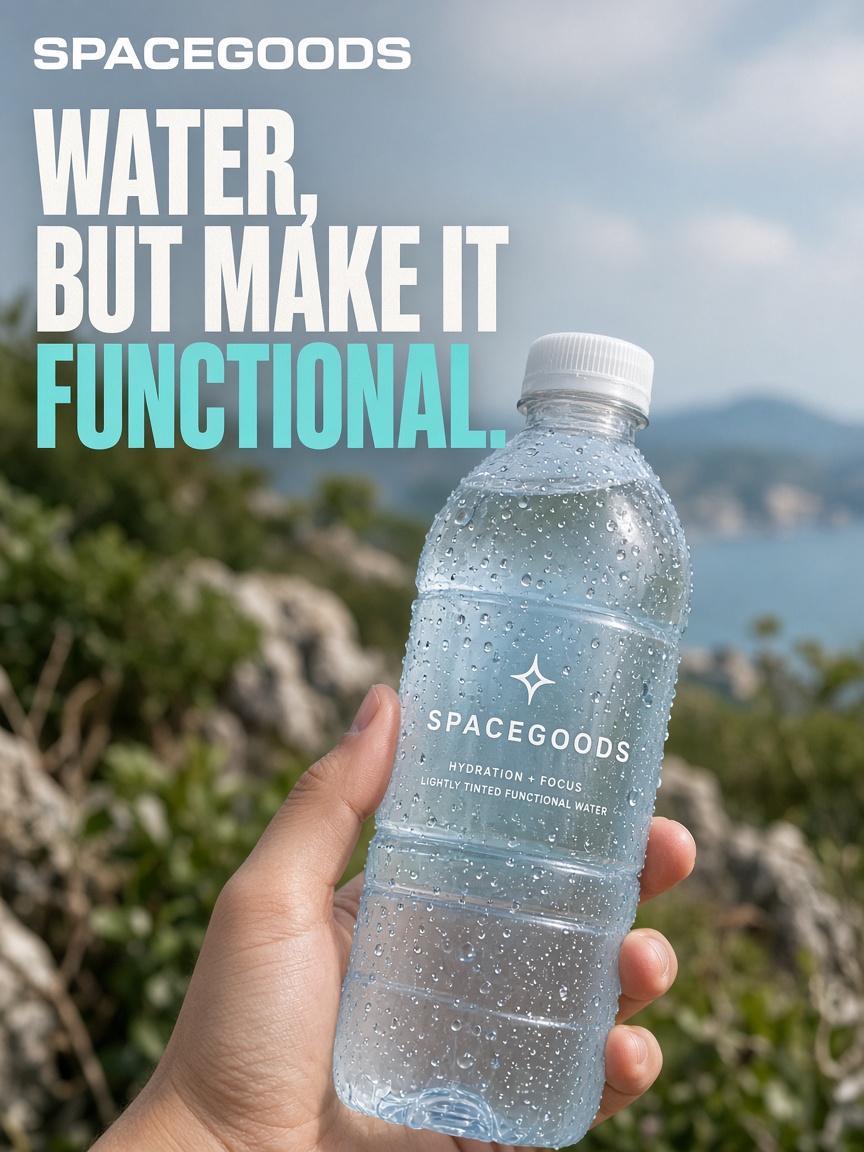 Water, but make it functional.0.9x ROASCut
- ✓Paused the cut ad
- ✓Moved budget to the 2 winners
- ✓Drafted 3 tests for next week
- ✓Waiting for your approval
Test every week while you run the business.
- Winners scale
Your best ads get the budget
Ads and emails that beat your target stay live and get more spend, on every channel at once.
- Next tests ready
No blank Monday
CTRL reads your Meta, Shopify and Klaviyo results and drafts the next test for each channel.
- Your numbers
Judged on your target
Every call is made against the cost per purchase you set, not a benchmark from someone else's account.
One loop, every week.
- 01 · Target
Set your number
Pick the cost per purchase that makes you money. That is the bar every test must clear.
- 02 · Read
CTRL checks results
Spend, orders and email revenue are read from your accounts and matched to each ad.
- 03 · Decide
Winner, Test or Cut
Each ad and email gets one clear call against your target.
- 04 · Draft
Next week, ready
New tests are drafted for the channels still open, waiting for your approval.
A weekly board you can read in two minutes.
- Winner, Test or CutOne clear call on every ad and email, against your target.
- Budget movesWhich ads should get more spend and which should stop, with the reason.
- Next tests, draftedNew ads, pages and emails for the channels that still need a winner.
- Cross-channel carryThe hook that wins on Meta, carried into the page and the welcome email.
- Autopilot, your wayChoose how much CTRL can do, from draft only to publishing inside a test budget.
- A weekly summaryWhat won, what was cut and what is next, in plain English.
A winner on every channel, scaled together.
Each cycle builds a set of winning ads, pages and emails across the channels you sell on. The hook that wins on Meta carries into the page and the welcome email.
- Meta feedHook: Your 8am, sorted.Winner
- ReelsSame hook, 15 second cutWinner
- Landing pageHook carried into the headlineWinner
- Welcome emailHook carried into the subject lineWinner
You choose how much CTRL can do.
Every level stays inside your brand's spend cap.
- Level 0
Off
Nothing changes in your ad account until an admin switches Autopilot on.
- Level 1
Draft
CTRL queues new ads and creative for you to approve.
- Level 2
Guarded
Can also pause losing ads and shift budget to winners.
- Level 3
Full
Can publish tests inside a weekly test budget you set.
Runs on the accounts you already use.
Connect the accounts you already run. CTRL reads what's working and writes the next tests.
- ShopifyOrders and products
- MetaAds and results
- TikTokAds and results
- Email flows
- Google AdsSearch and shopping
- YouTubeVideo and comments
Meta, TikTok, Google Ads spendShopify ordersWinner, Test or CutKlaviyo emailsNext week's tests
Before you switch it on.
What can Autopilot change on its own?
Only what you allow. Off changes nothing. Draft queues ads and creative. Guarded can also pause and shift budget. Full can publish tests inside a weekly test budget. Every level stays inside your spend cap.
What does the loop read?
Meta for ads, Shopify for orders and Klaviyo for email. Every test is judged on those numbers.
What is a winner?
An ad or email beating your target cost per purchase. Winners stay live and get more spend; the rest are paused or replaced by the next test.
How often does the loop run?
Every week. Each board gives every ad and email a Winner, Test or Cut call, plus the next tests to approve.
Feed the loop with fresh tests.
CTRL works best in job order: Research, Concepts, Ads, Rank my ad, then Loops. Each step feeds the next.
- 01ResearchLearn what buyers say
- 02ConceptsPick buyer, angle and offer
- 03AdsMake the set on your brand
- 04Rank my adScore each static before spend
- You are here05LoopsScale winners every week
Back to Research
Each week's winners tell you what buyers respond to. Run Research again to find the next angle.
Set your target and let next week's tests draft themselves.
- 01 · Sign up freeTell us about your brand and what you sell.
- 02 · ConnectLink Shopify, Meta and Klaviyo, the accounts you already run.
- 03 · TestCTRL shows what is working and drafts your first set of tests.