Know if your ad is ready before you spend on it.
Upload a static ad. You get a creative score, a hook score and one fix for each point it lost, so your budget goes behind your strongest ads first.
- Faster winners
- Stronger ROAS
- Shorter payback

- Hook18.8/25
- One idea20/20
- Product15/15
- Proof0/15
- Offer15/15
- Platform fit5/10
Stop paying to learn what a score could tell you.
- Less wasted spend
Weak ads fixed before launch
Every lost point comes with one fix, so the ad that goes live is the stronger version.
- Best ads first
Budget goes where it should
Rank a batch and launch the ready ones first. The rest wait for their fix.
- Faster feedback
A score before any spend
No need to wait for a week of spend to find out the hook was weak.
Upload, score, fix, launch.
- 01 · Upload
Add a static
PNG, JPEG or WebP, up to 4MB. You see the cost before it runs.
- 02 · Score
Get two scores
One for how the ad is built, one for how the hook lands, checked against six weighted rules.
- 03 · Fix
One change per lost point
Each fix is specific, like "add proof" or "remove the drawn button".
- 04 · Launch
Spend on the ready ones
Send the ready ads to test, and let Loops scale the winner.
A clear verdict on every static.
- Creative scoreOut of 100, built from six weighted rules.
- Hook scoreHow strongly the opening line stops the scroll.
- Rule by ruleHook, one idea, product, proof, offer and platform fit, each scored.
- One fix per lost pointA specific change for every point the ad dropped.
- Batch rankingUpload several statics and see them lined up, best first.
- Ready, Fix first or ReworkOne label per ad, so you know what to launch today.
Put your best ads first in line for budget.
Upload a few statics and see them ranked. Launch the ready ones, fix the rest.
- 01Your 8am, sorted.creative 86 · hook 81Ready to test
- 02
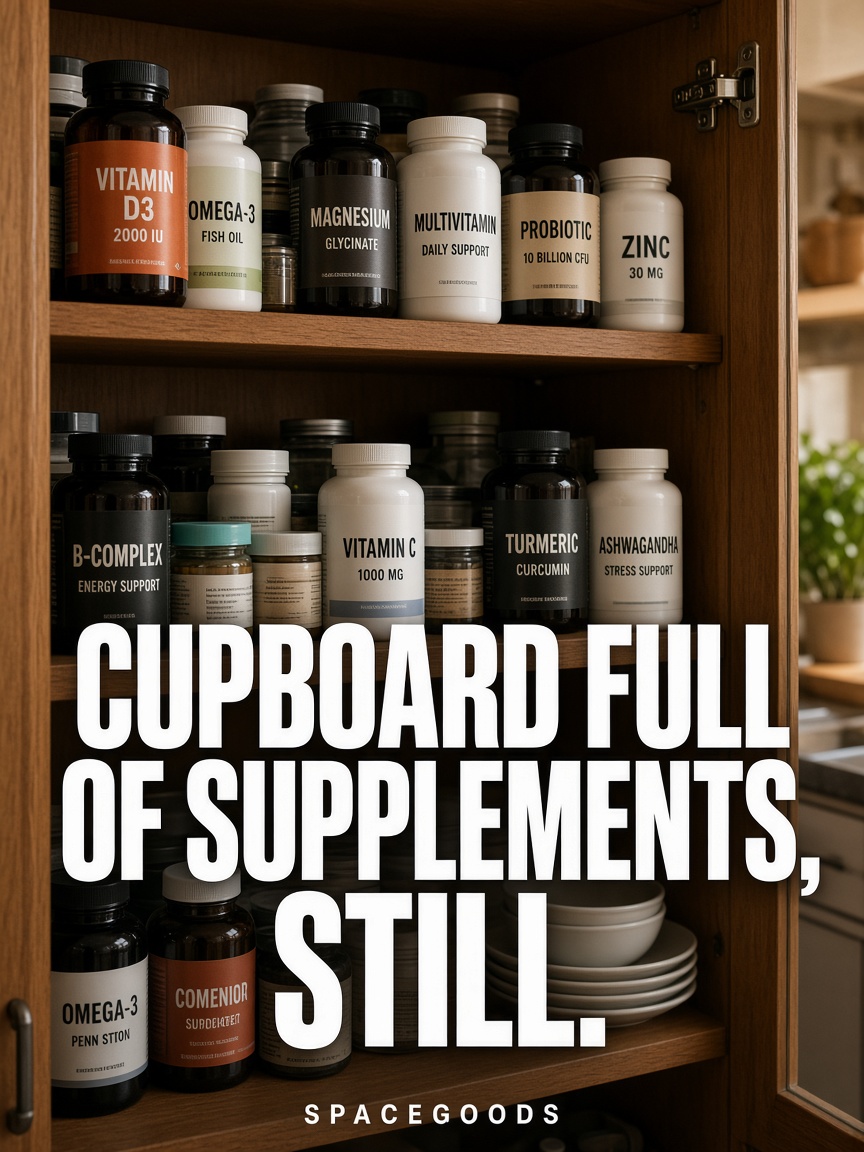 Cupboard full of supplements, stillcreative 68 · hook 62Fix first
- 03
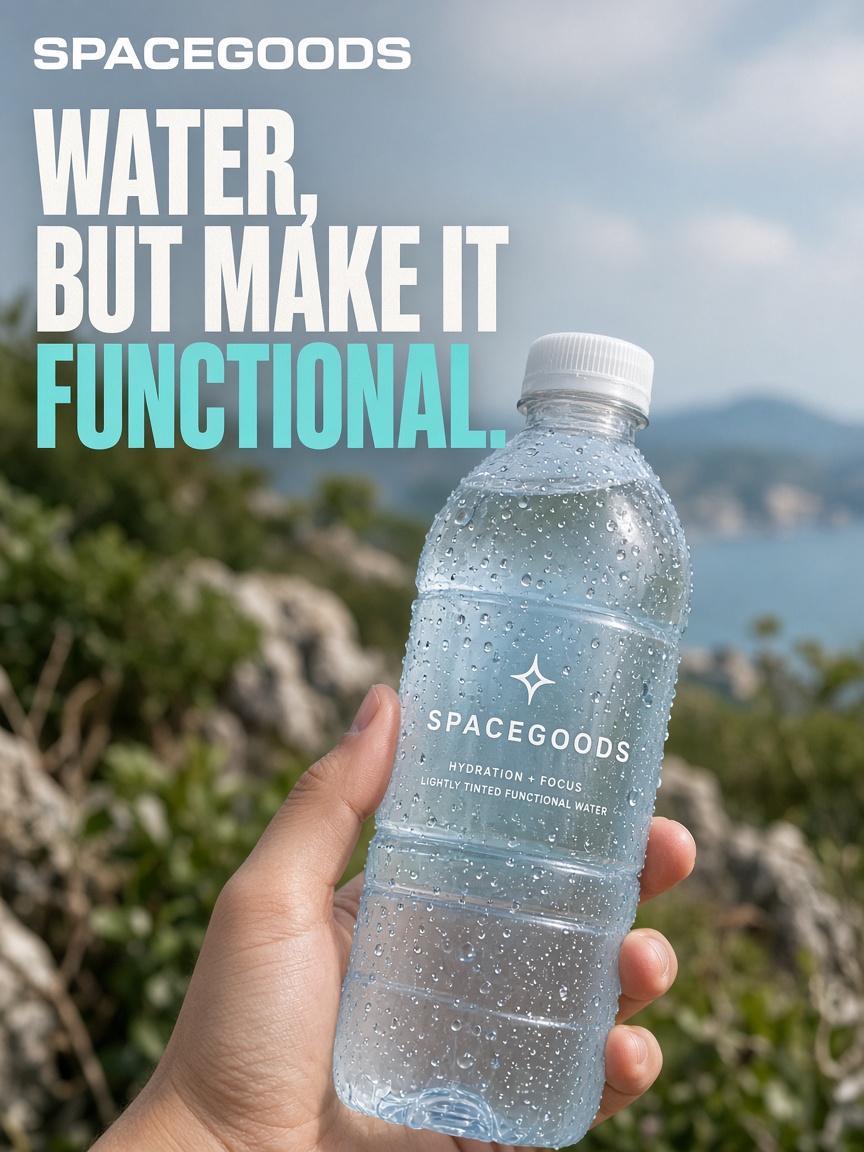 Water, but make it functional.creative 44 · hook 38Rework
Scores ads for the platforms you run.
Connect the accounts you already run. CTRL reads what's working and writes the next tests.
- ShopifyOrders and products
- MetaAds and results
- TikTokAds and results
- Email flows
- Google AdsSearch and shopping
- YouTubeVideo and comments
Before you upload.
What can I upload?
A static ad as PNG, JPEG or WebP, up to 4MB. The cost of the read is shown before it runs.
What are the six rules?
Hook, one clear idea, product, proof, offer and platform fit. Each has a weight, and the score adds them up out of 100.
How should I use the score?
Use it to decide which ads get budget first and what to fix before launch. The live test then picks the winner.
Can I score a batch?
Yes. Upload several statics and CTRL lines them up from strongest to weakest.
From a scored ad to a live winner.
CTRL works best in job order: Research, Concepts, Ads, Rank my ad, then Loops. Each step feeds the next.
- 01ResearchLearn what buyers say
- 02ConceptsPick buyer, angle and offer
- 03AdsMake the set on your brand
- You are here04Rank my adScore each static before spend
- 05LoopsScale winners every week
Loops
Test the ready ads against your target and let the winners scale every week.
Rank your ads before your budget does.
- 01 · Sign up freeTell us about your brand and what you sell.
- 02 · ConnectLink Shopify, Meta and Klaviyo, the accounts you already run.
- 03 · TestCTRL shows what is working and drafts your first set of tests.